|
1
|
- Cen Rao
- Dr. Mubarak Shah
- Computer Vision Lab
- University of Central Florida
|
|
2
|
- Gestures
- Activities
- Actions
- Facial expressions
- Visual speech
- etc.
|
|
3
|
- Extraction of visual information
- Representation of visual information
- Reliable for later processing
- Compact
- View-invariant
- Interpretation of visual information
|
|
4
|
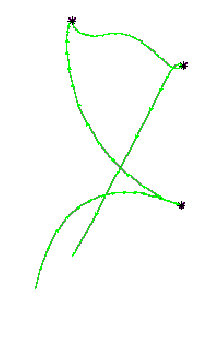
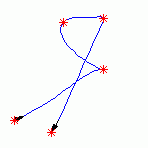
- While performing action, hand generates a 3-D trajectory with respect to
time.
- We want to analyze 2-D projection of this 3-D trajectory.
- View invariant issue.
|
|
5
|
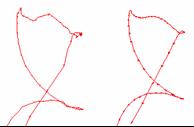
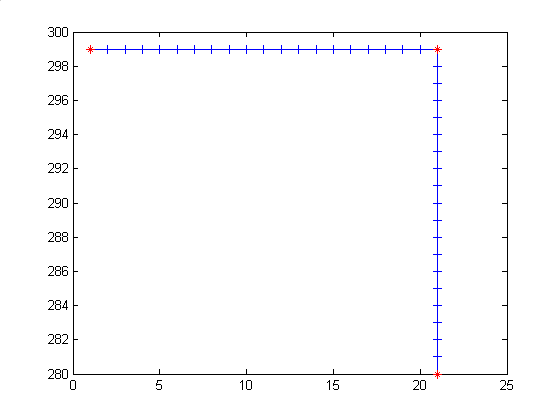
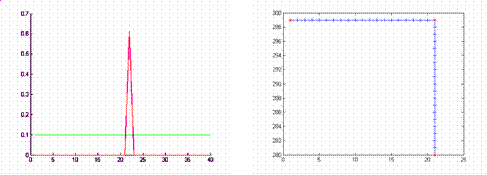
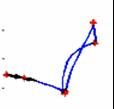
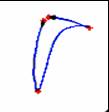
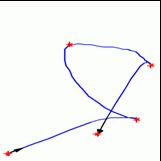
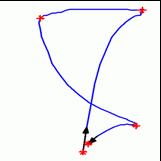
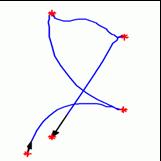
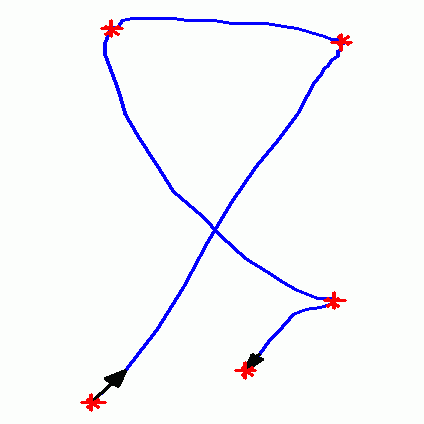
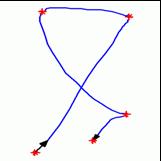
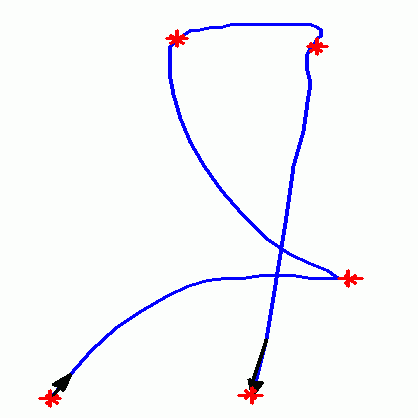
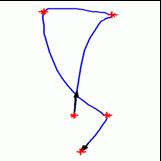
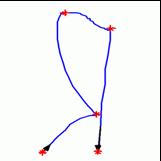
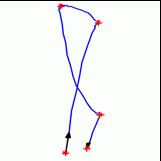
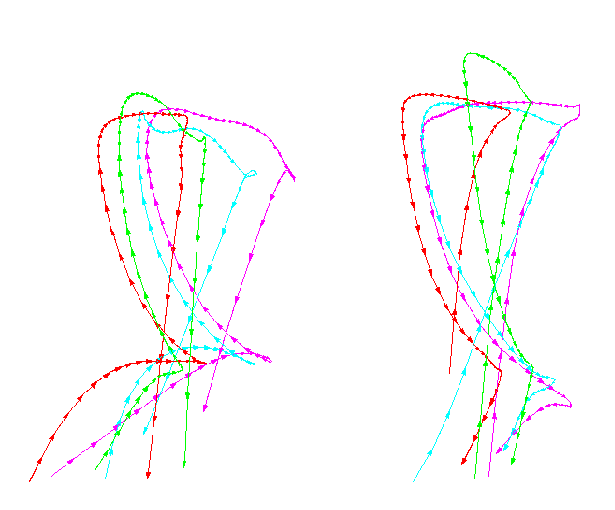
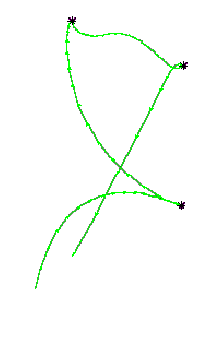
- Generate hand trajectory
- Smooth the trajectory
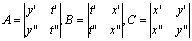
- Compute Spatiotemporal curvature
|
|
6
|
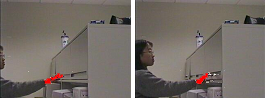
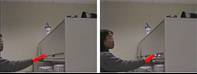
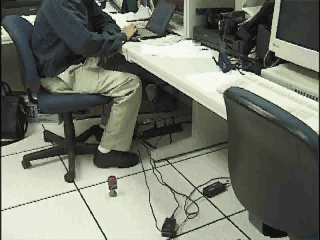
- For each frame:
- Apply skin detection to detect hand pixels.
- Apply connected component algorithm to get hand region.
- Compute the centroid of hand region.
- Connect centroid in consecutive frames to generate hand trajectory.
|
|
7
|
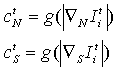
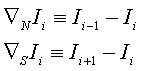
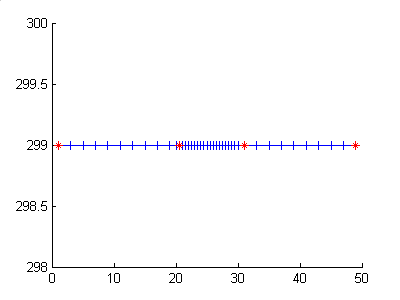
- Reduce the effect of noise while keeping the meaningful changes.
- Anisotropic diffusion.
- Iteratively smoothes the data with a Gaussian kernel, and adaptively
changes the variance of Gaussian based on the gradient at current
point.
|
|
8
|
|
|
9
|
|
|
10
|
|
|
11
|
|
|
12
|
|
|
13
|
|
|
14
|
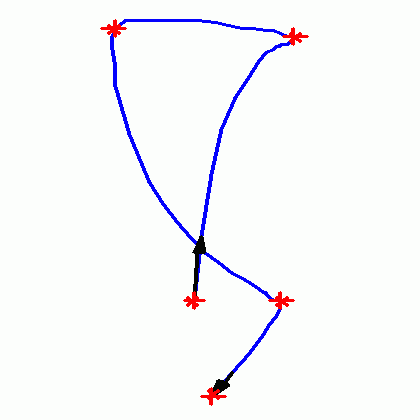
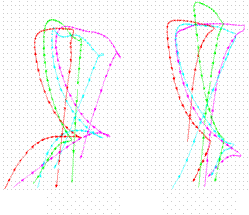
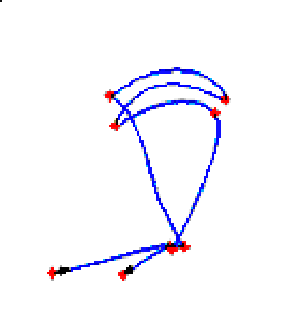
- Number of instants.
- Similar actions have same number of dynamic instants.
- Sign of instant.
- Sign is defined by the angle of a instant. Turning right is ‘+’, and
turning left is ‘-.’
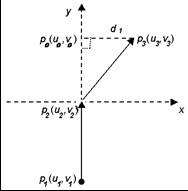
- The sign of an instant i will remain the same if the camera view will
not cross the plane containing instant i-1,i,and i+1.
|
|
15
|
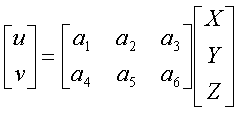
- Affine camera assumes that the variation in depth of the points is small
compared to the depth of the centroid of the point set.
- The origin of X,Y,Z axis is at the centroid of 3D points.
- Projection matrix:
|
|
16
|
|
|
17
|
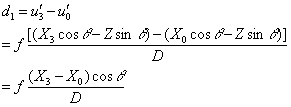
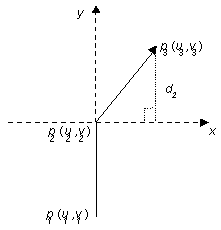
- Rotation around X axis (tilt)
- Use the same argument for pan. The distance d2 >0 , if
the tilting angle φ belongs
to (-90º,90º)
|
|
18
|
- For a trajectory with n instants, the number of permutations of signs is
2(n-2). Hence, the number of unique actions is 2(n-2).
|
|
19
|
- Trajectories of the same action must have the same number of instants
and the same permutation of the signs of instant.
- However, the number and the sign are not sufficient to define an action.
- View invariant matching to measure the similarity between two
trajectories.
|
|
20
|
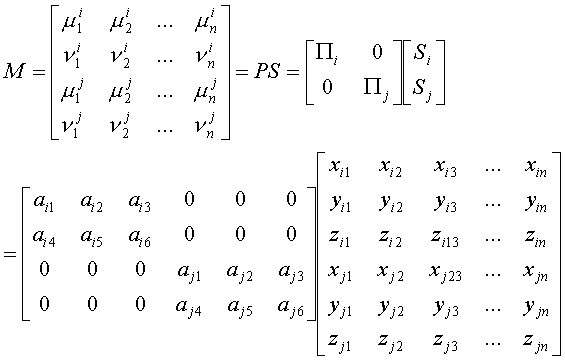
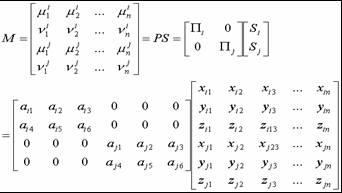
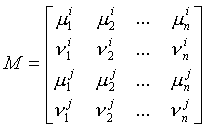
- Take 3D trajectory as 3D object.
- S is a set of 3-D instants and Πs are projection matrices for
different view points, then we can arrange image coordinates in
observation matrix M as follows:
|
|
21
|
- If the rank of observation matrix M is 3, assuming there are two shape
matrixes Si and Sj, the shape S and projection
matrix P and be arranged as
follows:
- Due to the fact that the rank of P is 4, the rank of S must be 3. For
3D shape, this means Si=RSj so that Si
and Sj are for the same action.
|
|
22
|
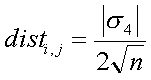
- Matching error between two actions i and j is:
- where s4
is the fourth singular values of M.
- This distance gives the average amount necessary to additively change
the coordinates of each instant in order to produce pictures of a single
action.
|
|
23
|
- For every action trajectory:
- Determine its category based on the number of instants and the
permutation of signs.
- Compare this action with all other actions and find 3 best matches
whose matching error are under threshold.
- Use transitivity property get the transitive closure for each action.
|
|
24
|
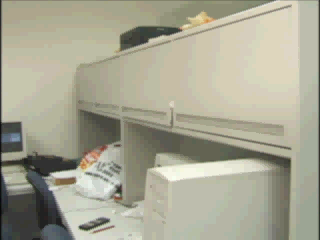
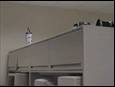
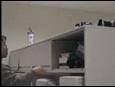
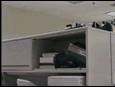
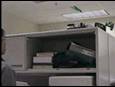
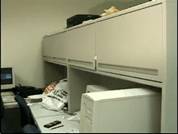
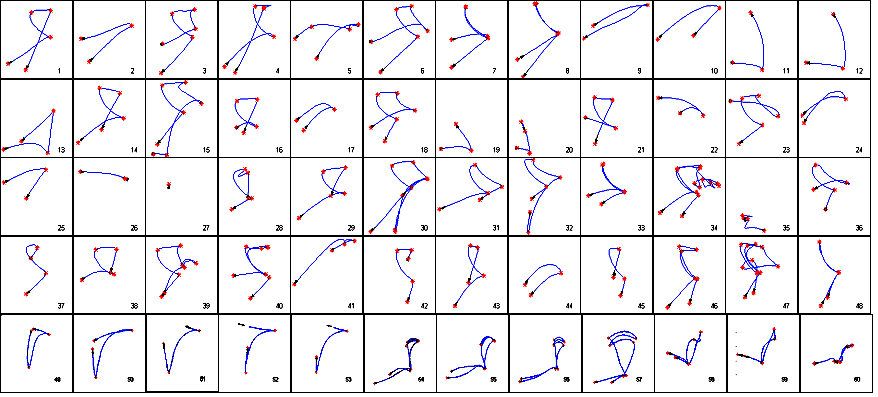
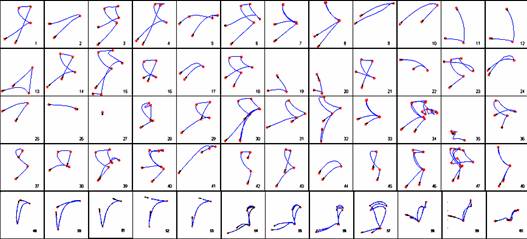
- 1st open the cabinet.
- 2nd pick up an object (umbrella ) from the cabinet.
- 3rd put down the object in cabinet, then close the door.
- 4th open the cabinet, with touching the door an extra time.
- 5th pick up an object (disks) with twisting hand around.
- 6th put back the object (disks) and then close the door.
- 7th open the cabinet door, wait, then close the door.
- 8th open the cabinet door, wait, then close the door.
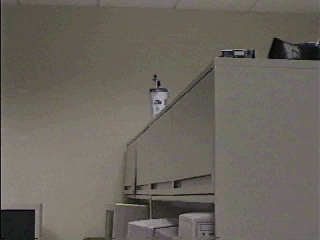
- 9th pick up an object from top the of the cabinet.
- 10th put the object back to the top of cabinet.
- 11th pick up an object from the desk.
- 12th put the object back to the desk.
- 13th pick up an object, then make random motions.
- 14th open the cabinet.
- 15th pick up an object, put it in the cabinet, then close the door.
- 16th open the cabinet.
|
|
25
|
- 17th pick up an object (umbralla) from the cabinet.
- 18th put the object (umbralla) back to the cabinet.
- 19th pick up a bag from the desk.
- 20th make random motions.
- 21st open the cabinet.
- 22nd pick up an object ( a bag of disks).
- 23rd put donw an object ( a bag of disks) back to the cabinet, then
close the door.
- 24th pick up an object from the top of the cabinet.
- 25th put the object back to the cabinet top.
- 26th make random motions with two hands.
- 27th continue the action 26.
- 28th close the door, with some random motion.
- 29th open the cabinet.
- 30th pick up an object (remote controller) from the cabinet, put it down
on the desk, pick up another object (pencil) from the desk, put it in
the cabinet, then close the door.
|
|
26
|
- 31st open the cabinet door, with the door half pushed, pick up an object
(pencil) from the cabinet.
- 32nd pick up an object (remote controller) from the desk, put it in the
cabinet, then close the door.
- 33rd open the cabinet door, wait, then close the door.
- 34th open the cabinet door, make random motions, then close the door.
- 35th pick up some objects.
- 36th open the door, pick up an object, with the door half opened.
- 37th close the half opened door.
- 38th open the cabinet door.
- 39th pick up an object, move it within the cabinet, pick up another
object, move it, then close the door.
- 40th open the cabinet door, wait, then close the door.
- 41st pick up an object from the top of the cabinet.
- 42nd close the cabinet.
- 43rd open the cabinet.
|
|
27
|
- 44th put down a disk.
- 45th close the half closed door.
- 46th open the door, wait, then close the door.
- 47th open the cabinet door, pick up an object, then put it back, then
close the cabinet door.
- 48th open, then close the cabinet door.
- 49th pick up an object from the floor and put it on the desk.
- 50rd pick up an object from the
floor and put it on the desk.
- 51rd pick up an object from the
floor and put it on the desk.
- 52nd pick up an object from the desk and put it on the floor.
- 53rd pick up an object from the
floor and put it on the desk.
- 54th, 55th, 56th, 57th erase the white board.
- 55th erase the white board.
- 56th erase the white board.
- 57th erase the white board.
- 58th pour water into a cup.
- 59th pour water into a cup.
- 60th pouring water into a cup.
|
|
28
|
|
|
29
|
|
|
30
|
|
|
31
|
|
|
32
|
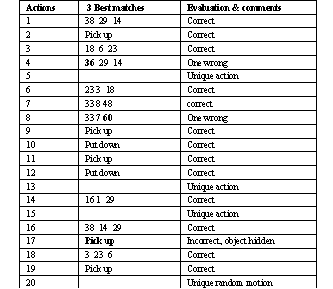
- System was able to
- Learn actions:1,14,16,21,29,38 are the same
- Learn actions: 3,18,6,23,32 are the same
- Recognize pick up action 2,9,11,19,22,24,44
- Recognize put down actions: 10,12,25,35
- Learn actions: 7,8,33,48 are the same.
- Determine unique actions: 5,13,15,20,26,27,32,37,39,40,42,45,47,52
- Error
- Incorrect actions: 41, 55,58,60
- Partially incorrect actions:31,36,48,43
|
|
33
|
- Tracking system
- Improve the performance.
- Track multiple skin regions, face and two hands.
- Representation system
- Find more view invariant characteristics, especially for intervals.
- Segment a long action sequence into small pieces.
- Recognition system
- Invent a recognition method based on multiple trajectories so that the
system can handle more complicated actions.
|

 Notes
Notes